
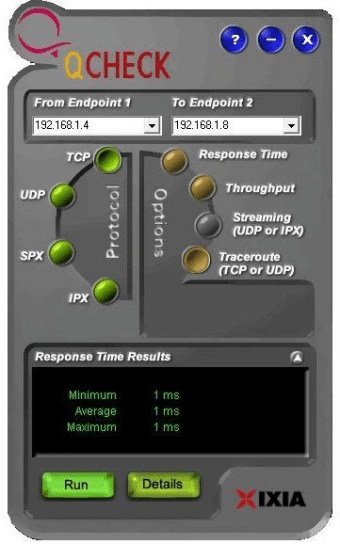
Measure connectivity and check network performance. Launch the utility in the background and analyze all connection attempts, data transfers, general work of the network environment, etc. View the details measurements of the final performance and generate reports.
Qcheck is a free utility program designed to help you measure network performance and connectivity with ease. Running quietly in the background, it does not interfere with your other application traffic, so you can be sure that the measurements it takes are accurate reflections of your network's behavior under real operating conditions




Comments (1)